 Pilcrow
Press
Press kit
Everything needed to write about Pilcrow, without having to e-mail us first. If something is missing, it should not be — tell us.
Boilerplate
Copy whichever length fits.
One line
Pilcrow is a free macOS dictation app that runs entirely on your Mac.
Short
Pilcrow is a free dictation app for macOS 26 and later. Tap Right Option, speak, and the text is pasted into whatever field already had focus. Transcription runs on-device using Apple’s speech models, so audio never leaves the Mac — there are no accounts, no servers, and no telemetry.
Long
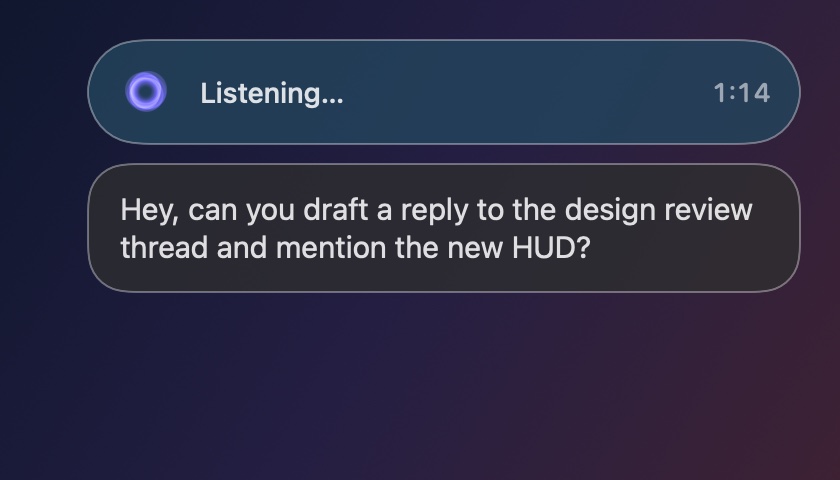
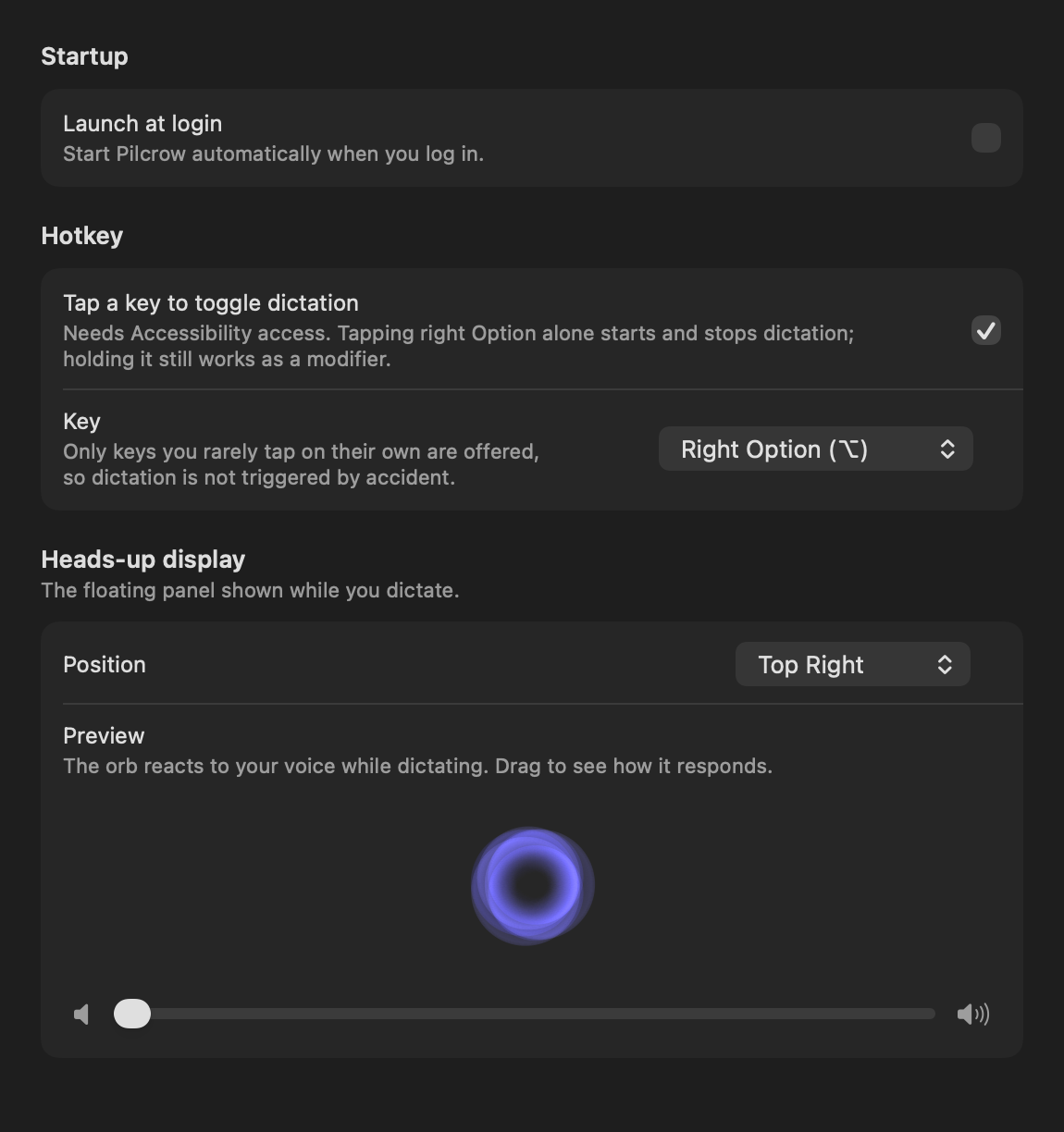
Pilcrow is a free dictation app for macOS 26 and later, published by The Alpha Circuit. It lives in the menu bar with no Dock icon and no window: tap Right Option on its own to start listening, tap again to stop, and the transcript is pasted into the field you were already typing in. Because it never takes keyboard focus, the app you were working in stays active, and because the text is pasted rather than typed it arrives whole rather than character by character. The transcript is also left on the clipboard, so a paste that lands nowhere still leaves the words recoverable. Transcription uses the on-device speech models Apple introduced in macOS 26, so audio is never uploaded and dictation works with Wi-Fi switched off. The only network request the app makes is an update check against its own site, which the user can switch off — there is no analytics, no crash reporting, and no licence check. Thirty languages are supported, all on-device.
Facts
- Name. Pilcrow — one word, capital S, capital U.
- Publisher. The Alpha Circuit.
- Price. Free. No trial, no subscription, no paid tier.
- Requirements. macOS 26 or later. Apple silicon and Intel.
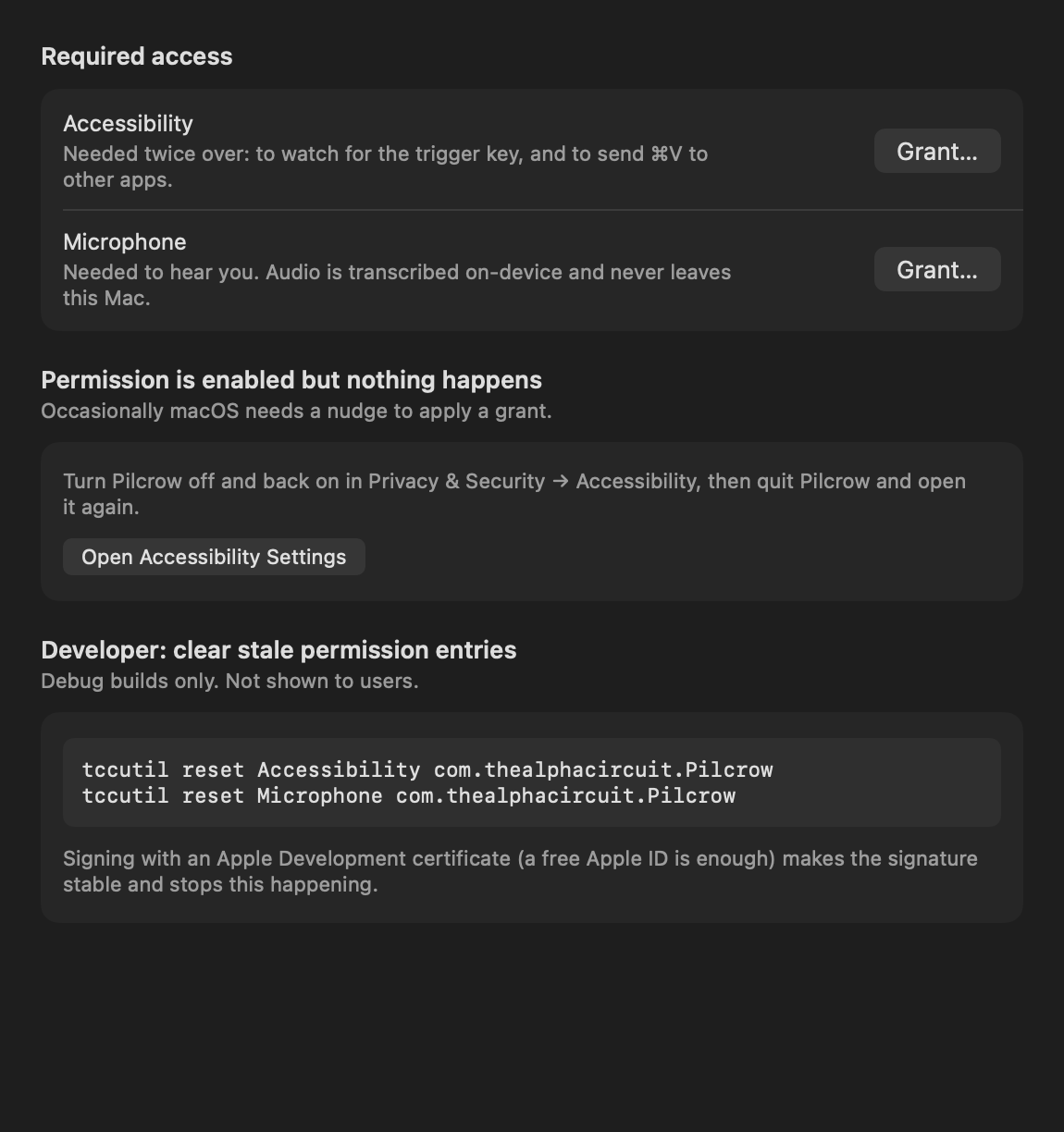
- Permissions. Microphone, and Accessibility — the latter to watch for the trigger key and to paste.
- Languages. 30, all recognised on-device.
Two things that get written wrong
It is not a Whisper wrapper. Recognition is Apple’s SpeechAnalyzer, introduced in macOS 26. That is why the requirement is 26 and not something older.
“On-device” is literal here. It is not “encrypted in transit” or “deleted after processing”. Audio and transcripts never enter the network stack at all, so there is no transit and nothing to delete. The app asks its own site for an update feed and nothing more.
Assets
Right-click and save. All of these are the same files the site itself uses, at full resolution.
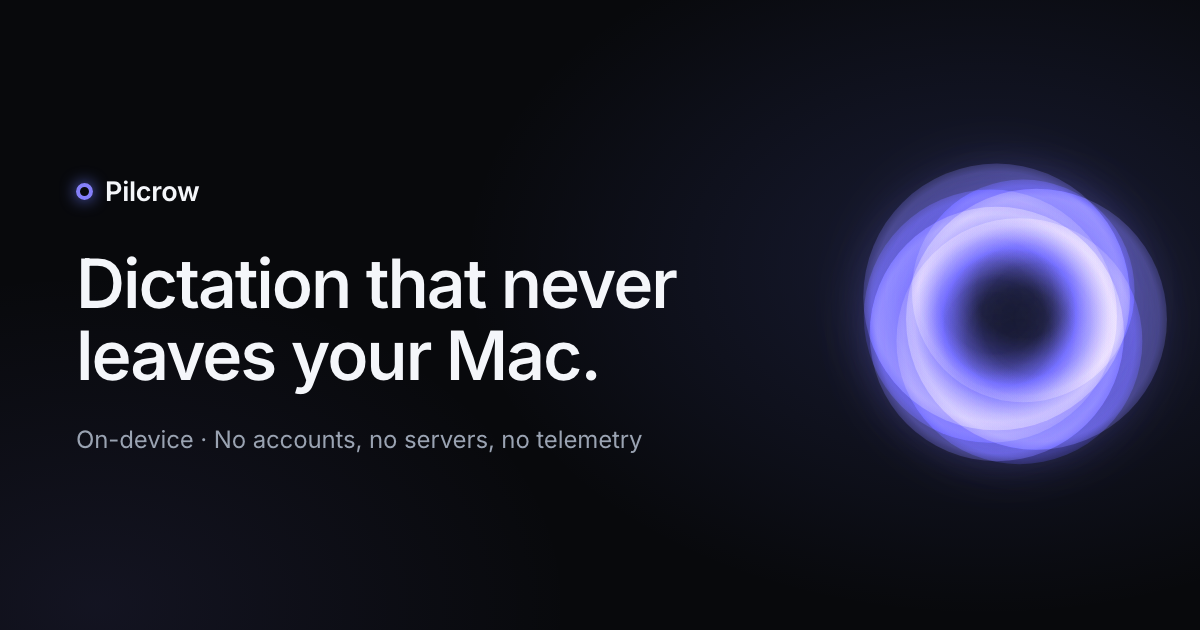
Icon and share card

Screenshots
Contact
support@thealphacircuit.com. Happy to answer questions, and happy to be told when something on this page has gone out of date.